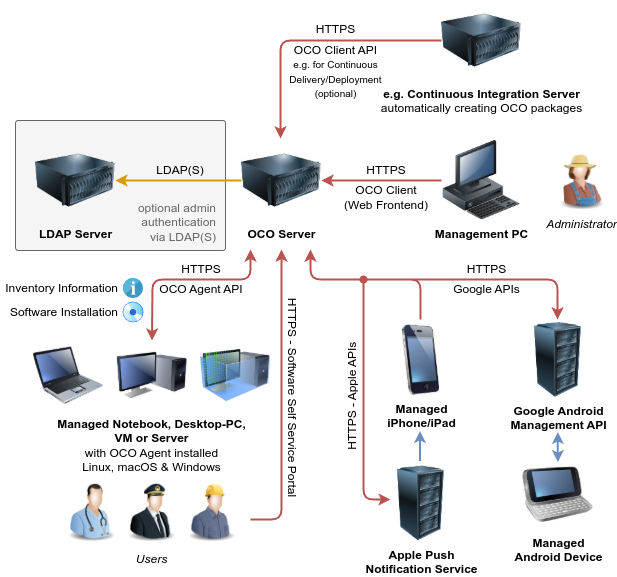
The Open Computer Orchestration (OCO) project enables IT administrators to centrally manage Linux, macOS and Windows machines plus Android and iOS (Mobile Device Management / Enterprise Mobility Management) using a comfortable web interface.
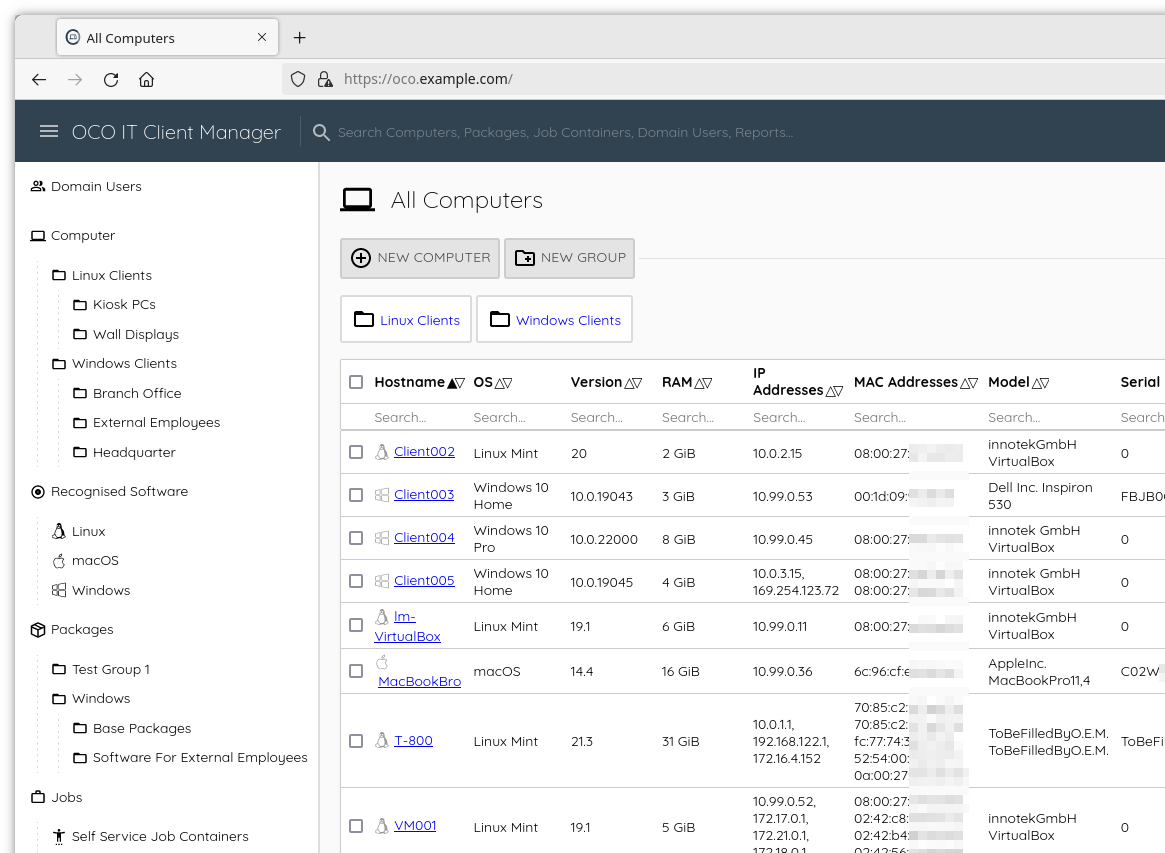
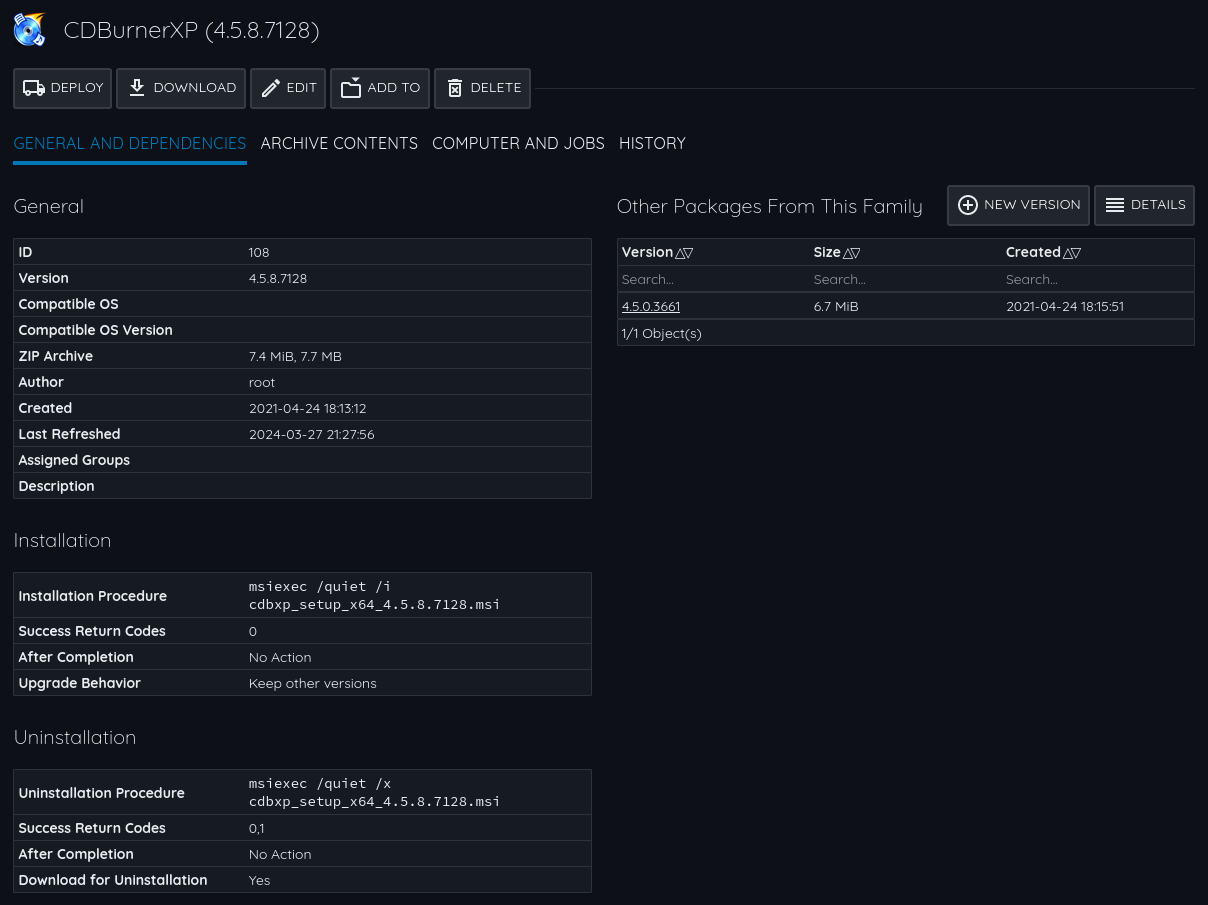
It provides software deployment features, a user-computer logon overview, policy management, lists software packages installed on each computer ("recognised software/apps") and features a fine-grained permission/role system. Operating system installation can be automated too.
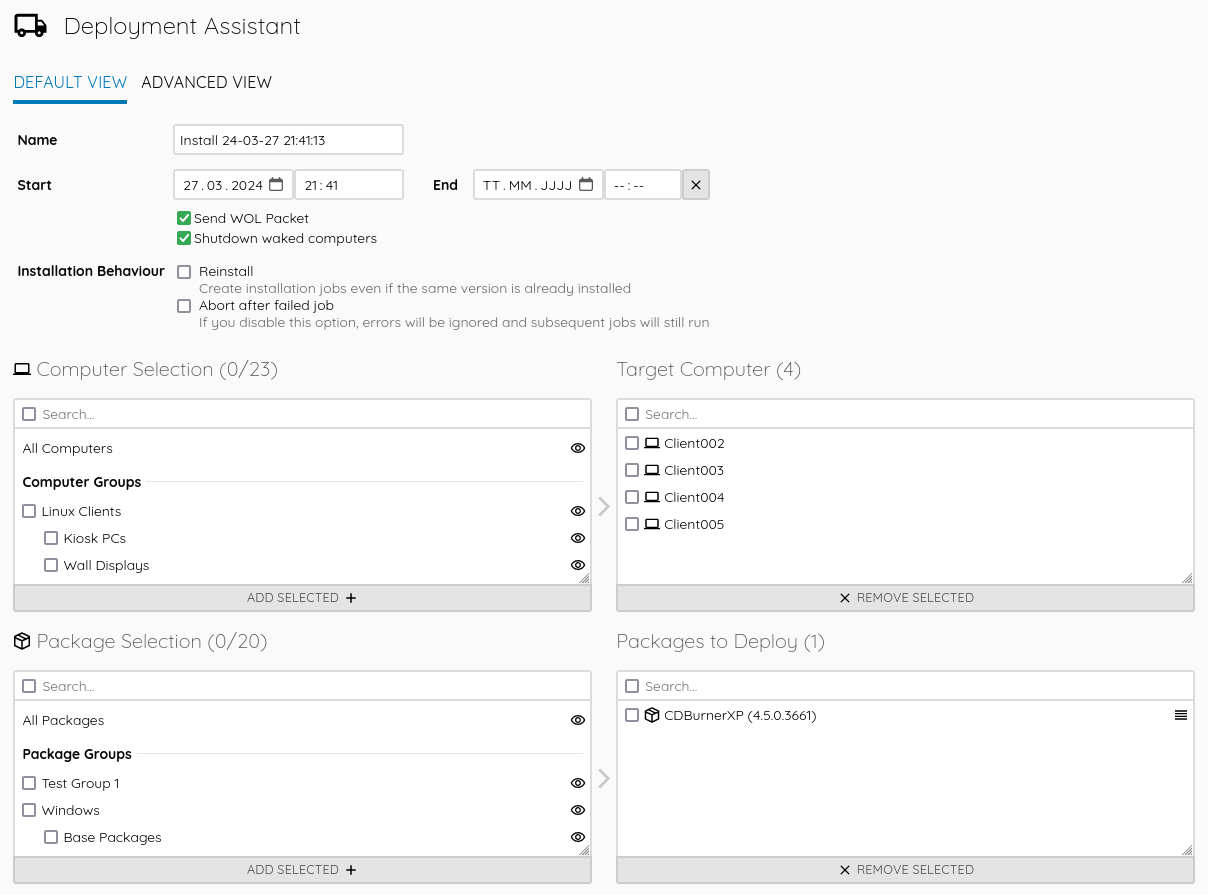
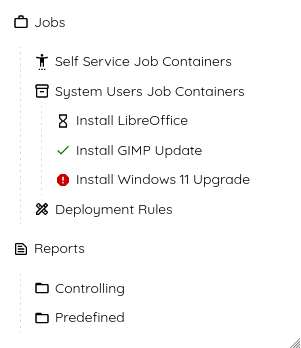
This allows you to roll out any new software or updates (patch management) - just create an OCO package and distribute it to your clients. You can track progress and view the results (exit code and command output) of every software job. Custom reports let you to get even more out of your data.
The self hosted (on premise) approach and open source code base ensures transparency and digital sovereign operation without vendor lock-in. Use the power of Open Source and adaptability through open standards - clone the GitHub repo and set up your own OCO server today or request a free trial for a cloud-hosted instance.
Feedback and contributions and are highly appreciated - if you want to improve OCO, e.g. by translating into your native language, don't hesitate to create a pull request on the GitHub repo.
If you need help setting up or integrating OCO into your environment, or if you like to commission a new feature development, you can get commercial service and support directly from the vendor. If you like, get in touch for an offer.
Several
extensions allow you to manage scheduled power-on via Wake On Lan (WOL) and shutdown of kiosk PCs, automatic package creation, to automate the complete PC installation workflow and more. The system is highly customziable by using the JSON-RPC API.